chrisrosso.dev
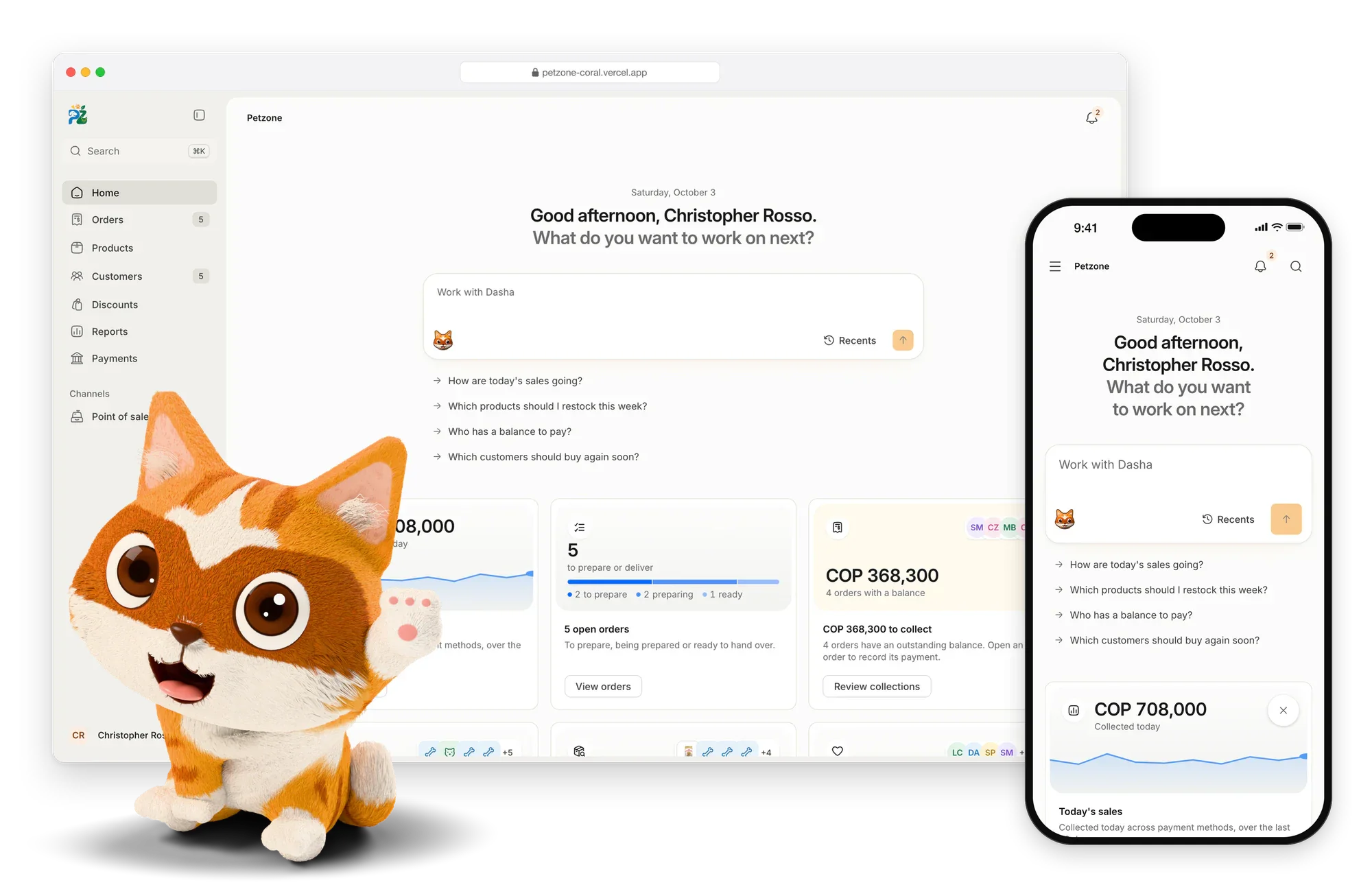
This site: a brick town that builds itself as you scroll.
- Client
- Christopher Rosso
- Scope
- Concept, 3D, design, build
- Year
- 2026
- Status
- Live · chrisrosso.dev (opens in a new tab)
My own site, made as a building-instructions booklet. Each section is a step, and as it scrolls in, a brick town builds that step behind the words: the street, then Plazuela, Petzone and Purrsuit, then an empty lot that's yours to build on. Everything is drawn in code with three.js, including me, waving from a stand with my name on it.
What shipped
- A town that builds itself one step per section, brick by brick, as you scroll
- Every model drawn in code, layer by layer, and split into real brick sizes with staggered seams, which a switch pulls apart to show
- Faces, shirts and signs printed onto the bricks from a canvas
- An empty lot where visitors stack their own bricks, then share it as a link or turn it into a brief
- Draws only when something moves, and the words load before any 3D
- English and Spanish, and calm under reduced motion
- Brick rain from the logo that lands on the page and stacks, and building instructions for every model
Tagged
The steps
4 screensEach section of the home page is a step in the booklet. Scroll, and its part of the town drops into place behind it, brick by brick, while the camera moves to it.
On a phone
5 screensOn a phone the town keeps the top half of the screen and the steps scroll underneath it.
Things to find
4 screensThe site rewards poking around. The lot on the home page takes your own bricks, and each colour is a part, so a pile can become a brief or a link to send. Click the logo three times (it tells you so) and bricks rain down and land on the page. The brief builder stacks every part you pick and adds up a rough price, and each case study opens with its project in bricks, with its building instructions to step through.
The rest of the booklet
2 screensWork, About and the case studies share the same paper, ink and brick buttons. On About, the brick me turns when you drag it and hops when you tap.
More work
All projects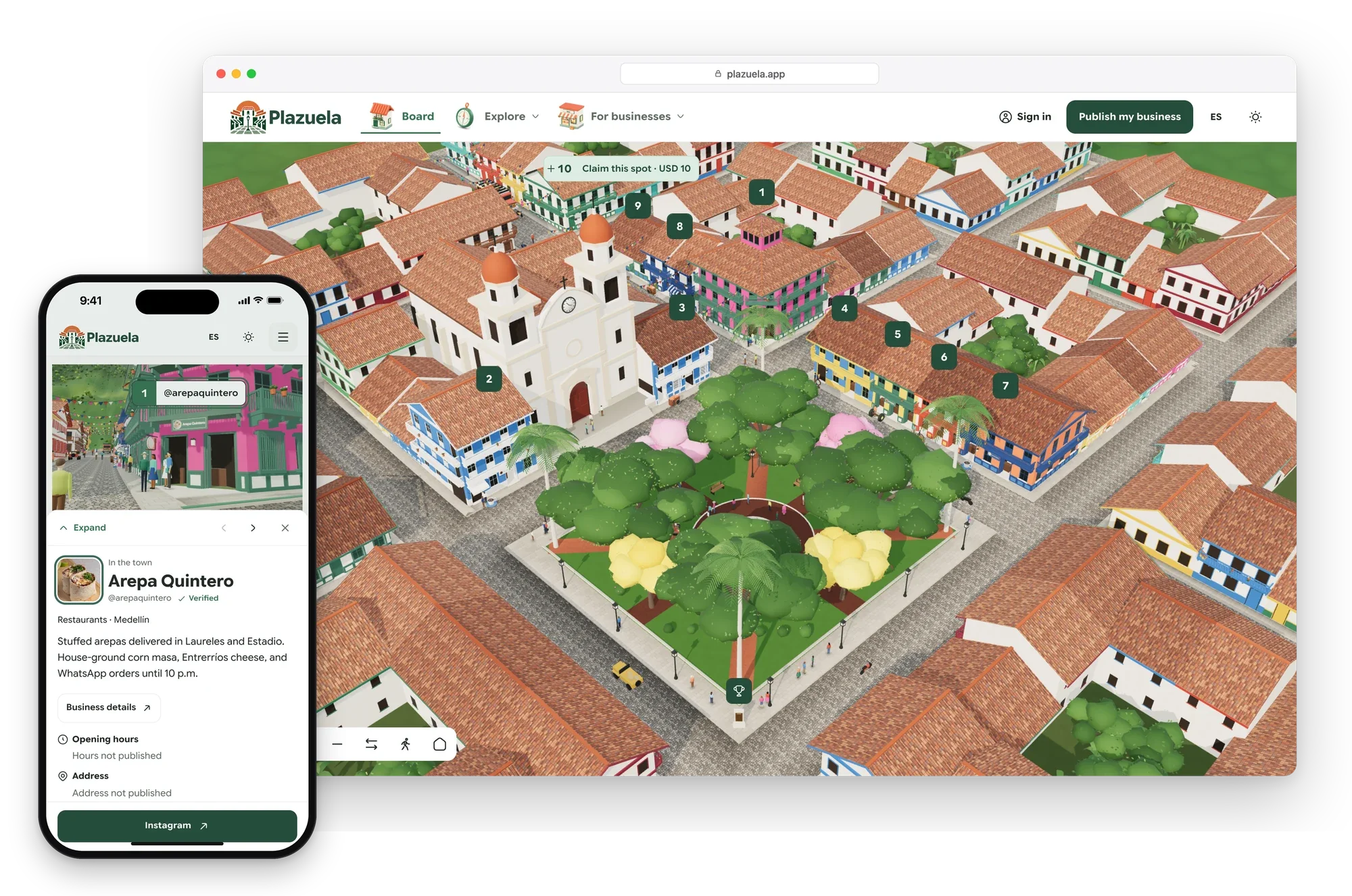

Work with me
NextTell me what you're building and I'll tell you what it costs and when it ships.